Is it worth it?
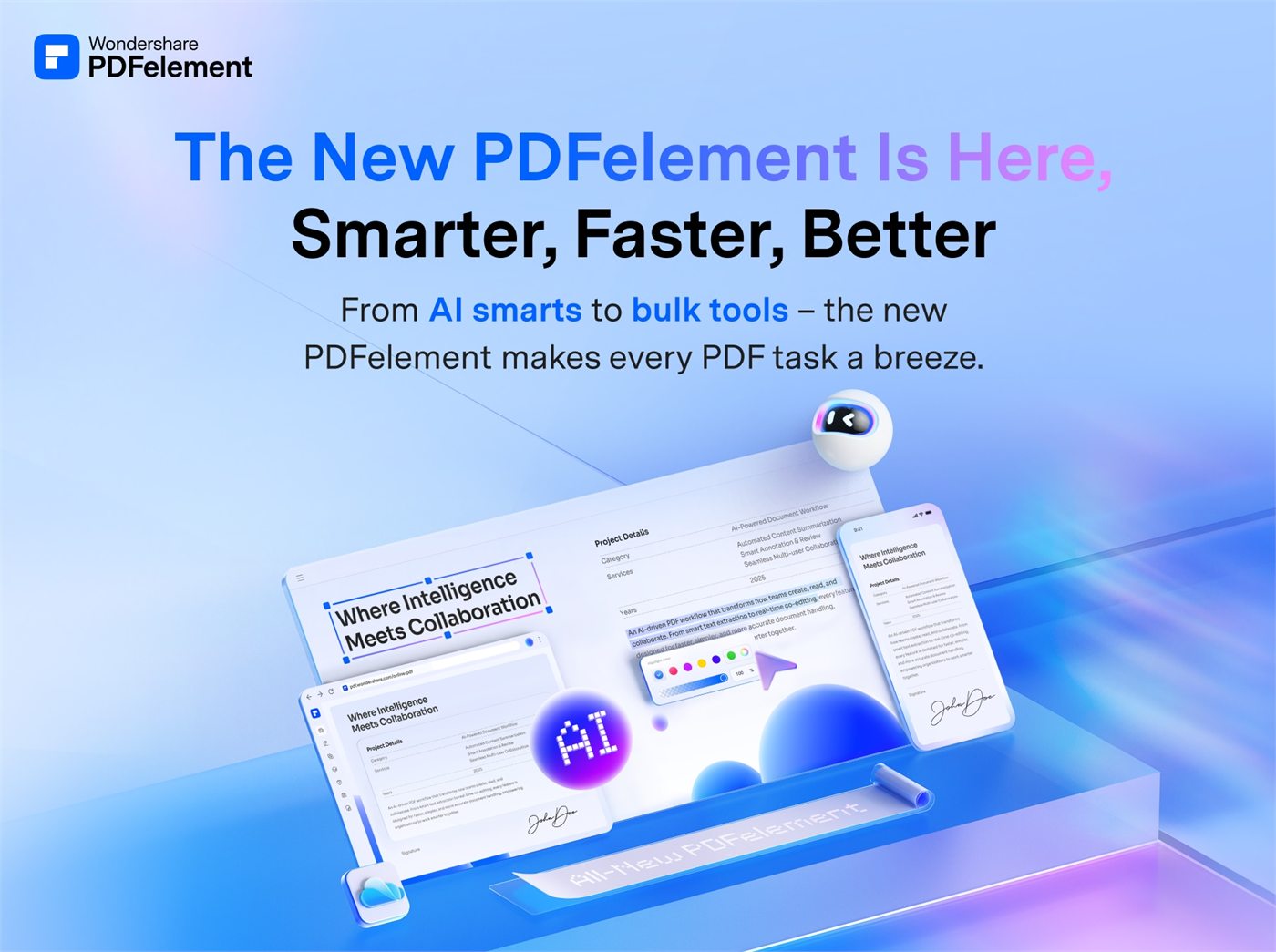
It is worth it when PDF is not a side issue but part of the job. Wondershare official positioning for PDFelement in 2026 is very clear: create, edit, protect, convert, and sign PDFs in a solution presented as powerful but easy to use.
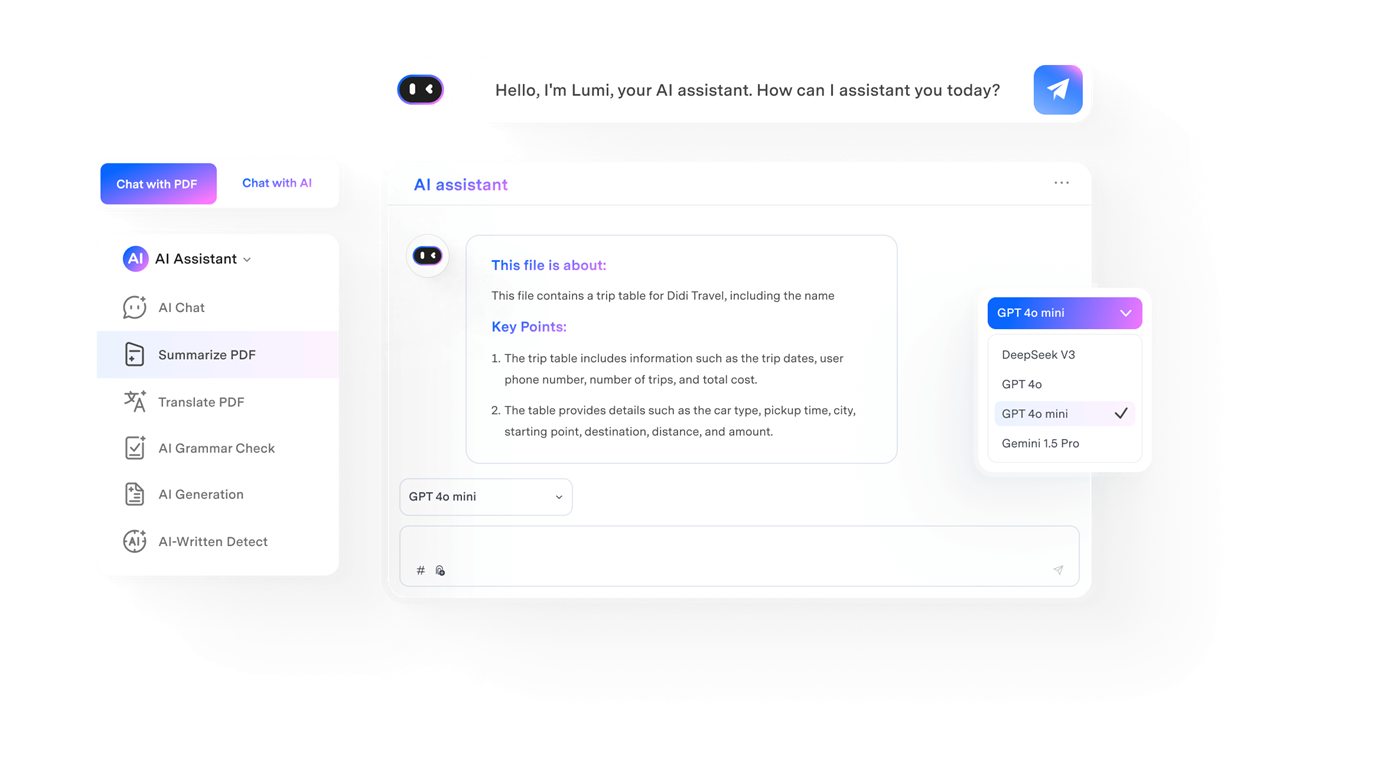
What strengthens the sale further is that the product is not limited to desktop. The official page talks about desktop, mobile, and web, while also pushing OCR, eSign, and an AI layer. That expands the number of situations where the purchase feels justified.
Who should buy it
It fits admin teams, legal work, sales ops, education, freelancers, and businesses that need to edit, convert, sign, and reuse PDFs every day.
It also fits buyers who work with scans, multi-language OCR, or document workflows that move between computer, mobile, and browser.
- Buyers who need recurring PDF editing, conversion, and signing.
- Buyers who need multi-language OCR and batch processing.
- Buyers who want one platform across desktop, mobile, and web.
Confirmed facts
As of March 19, 2026, Wondershare official PDFelement messaging highlighted these points:
Explanatory images
Download and plans
The official structure checked on this date looked like this:
Useful for buyers who want to validate before paying.
A good direct purchase route for the main desktop environment.
That expands commercial fit across several buyer profiles.
Strengths and limits
- Strong commercial proposition for real document workflows.
- Combines editing, conversion, OCR, eSign, and AI.
- Cross-platform narrative raises perceived value.
- Has a free download and clear official plan pages.
- Can be too much software for very occasional use.
- Not every buyer will fully use multi-language OCR or batch tools.
- Buyers who only read simple PDFs may not feel fast ROI.
- As workflows get more complex, licensing and platform fit matter more.
If PDFs slow down operations, contracts, proposals, or admin workflows, PDFelement makes sense. If you only open simple files occasionally, the return drops sharply.
Quick FAQ
These are the most common questions before purchase.
Does PDFelement have OCR?
Yes. Official messaging highlights OCR, including multi-language OCR and batch processing.
Can I use it on desktop, mobile, and web?
Yes. The official description explicitly says desktop, mobile, and web.
Is there a free download?
Yes. The official page highlights free download in multiple parts of the experience.