
Is it worth it?
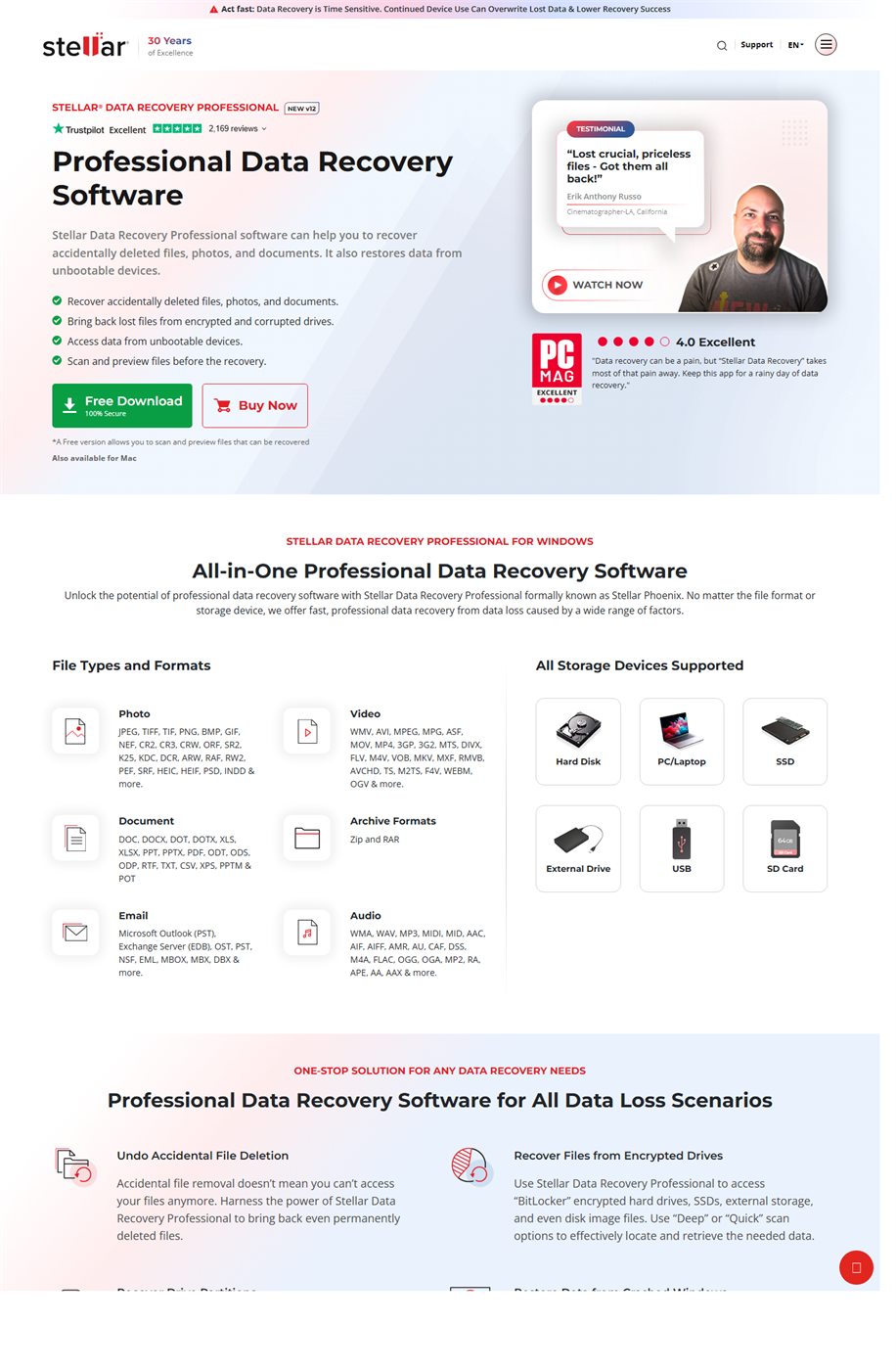
It is worth it when the buyer needs a recovery tool that looks like a professional product rather than a generic emergency utility. The official page positions the Professional version for deleted files, formatted drives, lost partitions, and stalled Windows systems.
The commercial difference comes from preview before saving, unbootable system recovery, and features such as disk imaging and drive cloning.
Who should buy it
It fits Windows users, small offices, and independent technicians who want to attempt recovery before sending hardware to a lab.
It also fits buyers who want to validate recoverable data first, since the page highlights a free version for scan and preview.
- Buyers who lost files through deletion, formatting, or a missing partition.
- Buyers who need access to data from a Windows system that no longer boots normally.
- Buyers who want preview before paying to save files.
Confirmed facts
As of March 19, 2026, the official product page highlighted these points:
Explanatory images

Download and buying
The official structure checked on this date looked like this:
Useful for buyers who already validated the scan and want to unlock recovery.
This lowers perceived risk before checkout.
Supports a more premium position.
Strengths and limits
- Strong commercial fit for urgent data-loss search.
- Preview before saving lowers purchase resistance.
- Unbootable system recovery adds credibility.
- Does not replace a lab in severe physical hardware damage.
- The price can feel heavy for buyers who only wanted a basic free attempt.
- The pitch is stronger for Windows than for broad multi-platform use.
If the goal is to recover data with a more serious commercial tool and preview files before paying to save them, Stellar Data Recovery Professional makes sense. If the goal is only to try something fully free, the fit is weaker.
Quick FAQ
These are the most common questions before the click.
Can Stellar recover data from a system that will not boot?
Yes. The official page highlights recovery from Windows systems that cannot boot normally.
Is there a free version?
Yes. The page says the free version allows scan and preview of recoverable files.
What makes the Professional version different?
Official messaging highlights bootable recovery, disk imaging, drive cloning, and recovery from lost partitions or formatted drives.