Is it worth it?
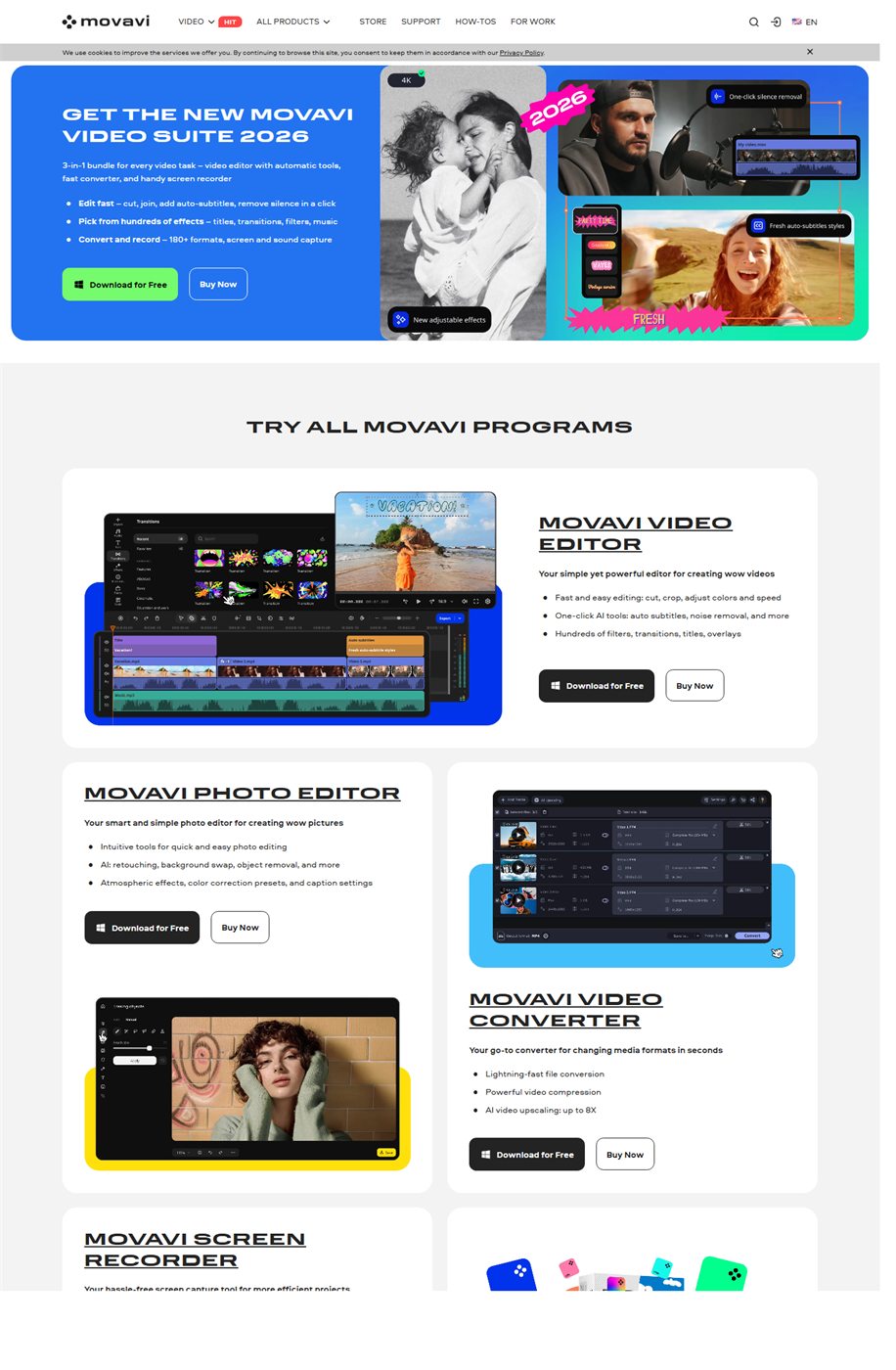
It is worth it when the priority is publishing video faster. The official Movavi pitch is built around trimming, subtitling, styling, and exporting without turning editing into a heavy technical project.
The commercial case gets stronger because the product sells time saved: auto subtitles, silence removal, one-click AI tools, and a short trial that lets buyers validate the workflow quickly.
Who should buy it
It fits creators, affiliates, small businesses, course sellers, and social media teams that need recurring video output.
It also fits buyers who want to test first, because the official offer highlighted a 7-day trial and a 14-day guarantee.
- Short videos for social media, ads, and sales pages.
- Buyers who want editing without a more technical app.
Confirmed facts
As of March 19, 2026, official pages highlighted:
Explanatory images


Trial and buying
The official structure supported fast decision-making:
Useful for installing and testing the same day.
Helpful when comparing against free tools.
Strengths and limits
- Strong fit for buyers who want speed and convenience.
- AI features improve conversion potential.
- Not the best fit for deeper post-production work.
- The free version can include export limits and watermark.
If the purchase depends on speed, simplicity, and ready tools, Movavi Video Editor makes sense. If the goal is a highly technical editor, it does not.
Quick FAQ
Common questions before the click.
Does Movavi have a free trial?
Yes. The official buy page highlighted a 7-day trial on the checked date.
Does it already include AI features?
Yes. Official pages cited auto subtitles, silence removal, and one-click AI tools.