
Is it worth it?
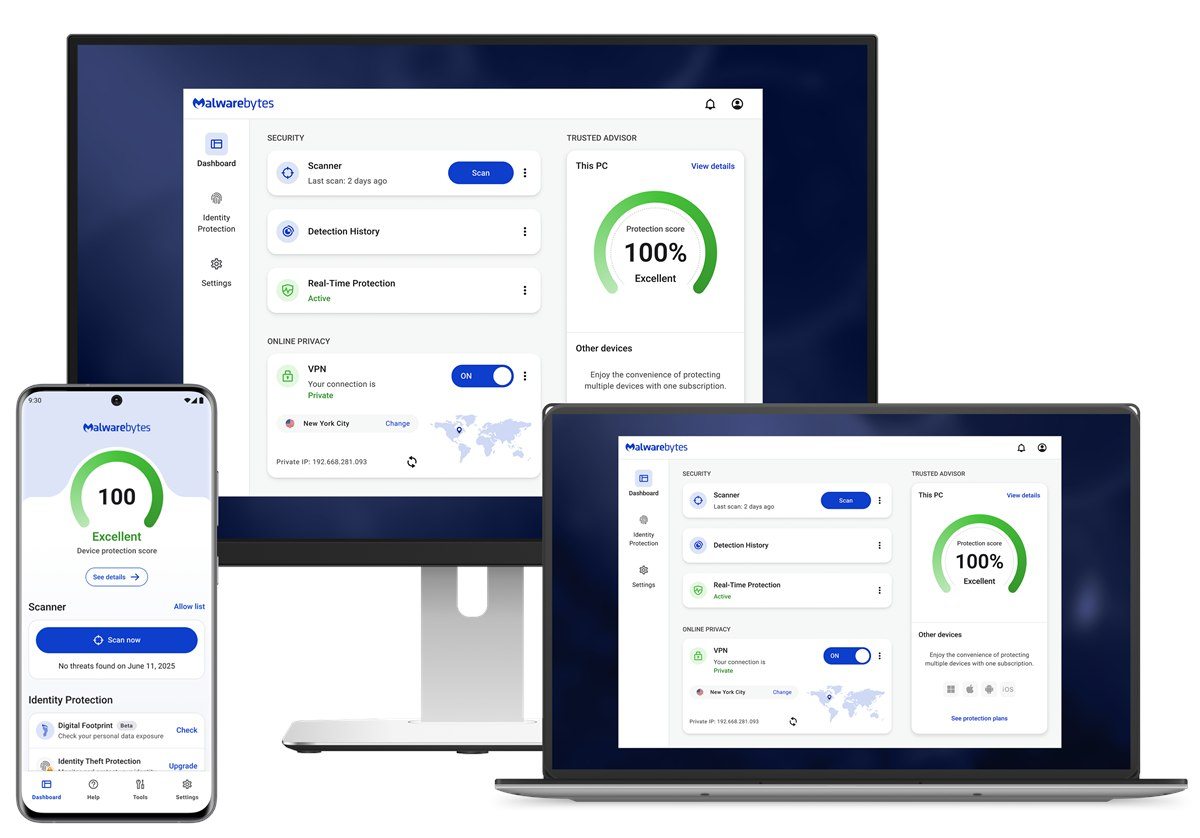
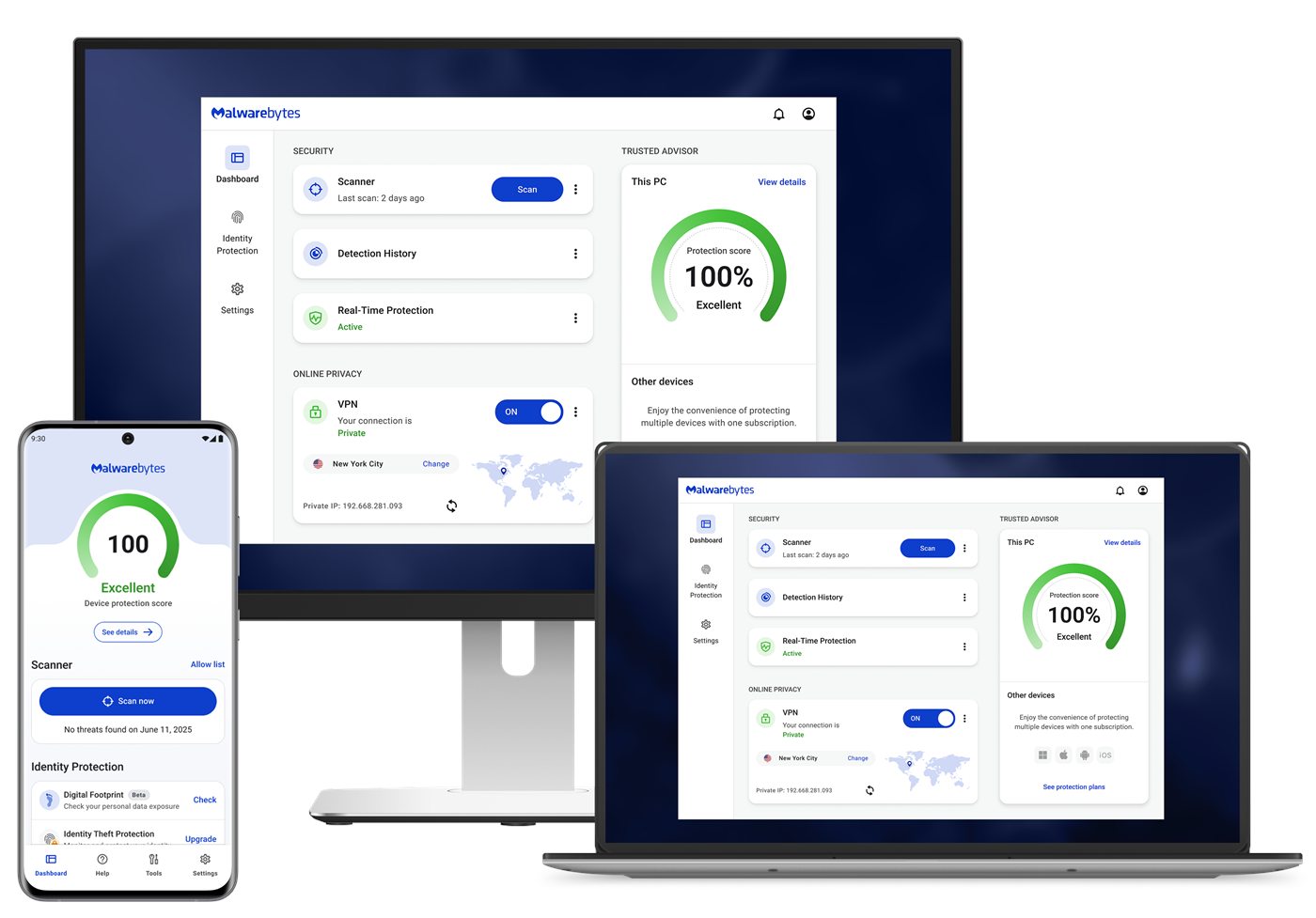
It is worth it when the buyer wants prevention, not just remediation. Malwarebytes official FAQ makes that distinction clearly: the Free version cleans up after an attack, while Malwarebytes Premium Security is meant to stop those attacks before they happen.
That commercial difference is massive. Once the buyer understands that real-time protection, ransomware defense, and harmful-site blocking are part of the purchase, the product stops being a utility and becomes recurring digital protection.
Who should buy it
It fits home users, families, professionals, and small businesses that want to reduce exposure to malware, ransomware, scams, and risky links without relying only on cleanup after the fact.
It also fits buyers who want Browser Guard included and a platform that makes upgrading to more devices straightforward.
- Buyers who want real-time protection and scheduled scans.
- Buyers who want an antivirus positioned directly against modern threats and ransomware.
- Buyers who value Browser Guard in the bundle.
Confirmed facts
As of March 19, 2026, official Malwarebytes Premium pages highlighted these points:
Explanatory images
Buying and plans
The official structure checked on this date looked like this:
The most direct path for buyers who want the core protection layer.
A stronger fit for buyers who want to cover more devices in the same ecosystem.
This reduces friction for buyers planning to expand coverage later.
Strengths and limits
- Very clear commercial promise: prevent, not just clean.
- Free Browser Guard improves bundle value.
- Strong angle for ransomware, harmful sites, and scheduled scans.
- Direct official buying flow with simple upgrade path.
- Buyers who only want occasional cleanup may see Premium as too much.
- Value depends on actually wanting continuous protection.
- Some buyers will compare it against protection already included in their system.
- Without recurring use, the subscription can feel heavier than expected.
If you want to block problems before they cost time, files, or accounts, Malwarebytes Premium makes sense. If your only plan is to run cleanup after a scare, the purchase is weaker.
Quick FAQ
These are the most common questions before purchase.
What is the difference between Malwarebytes Free and Premium?
According to the official FAQ, the Free version cleans attacks that already happened, while Malwarebytes Premium Security tries to stop those attacks before they happen.
Is Malwarebytes Premium an antivirus?
Yes. The official FAQ says Malwarebytes Premium Security is an antivirus and more, with real-time protection, ransomware defense, and harmful-site blocking.
Does Browser Guard come included?
Yes. The official page states that Browser Guard comes free with Malwarebytes Premium Security.