
Is it worth it?
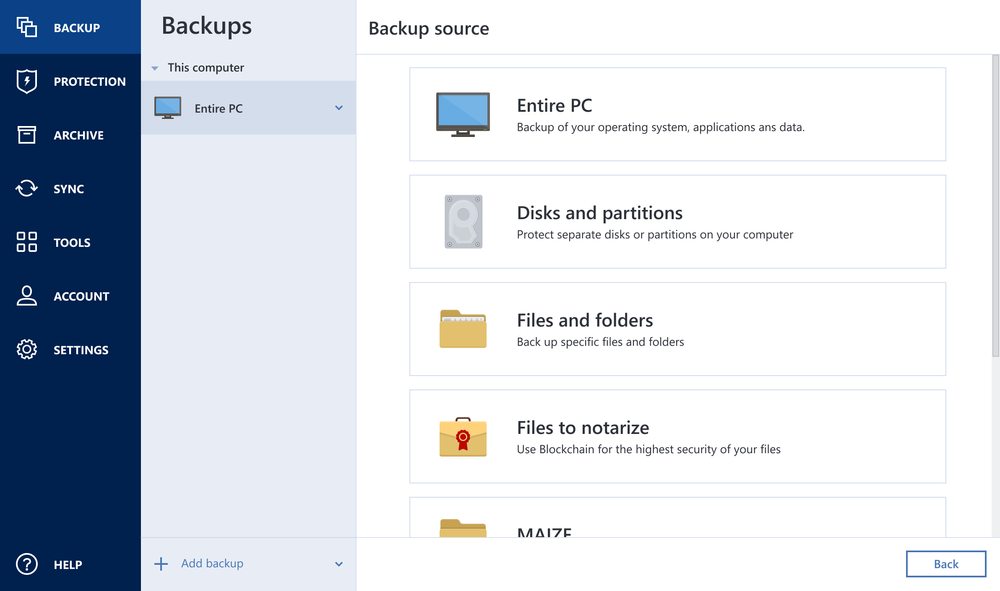
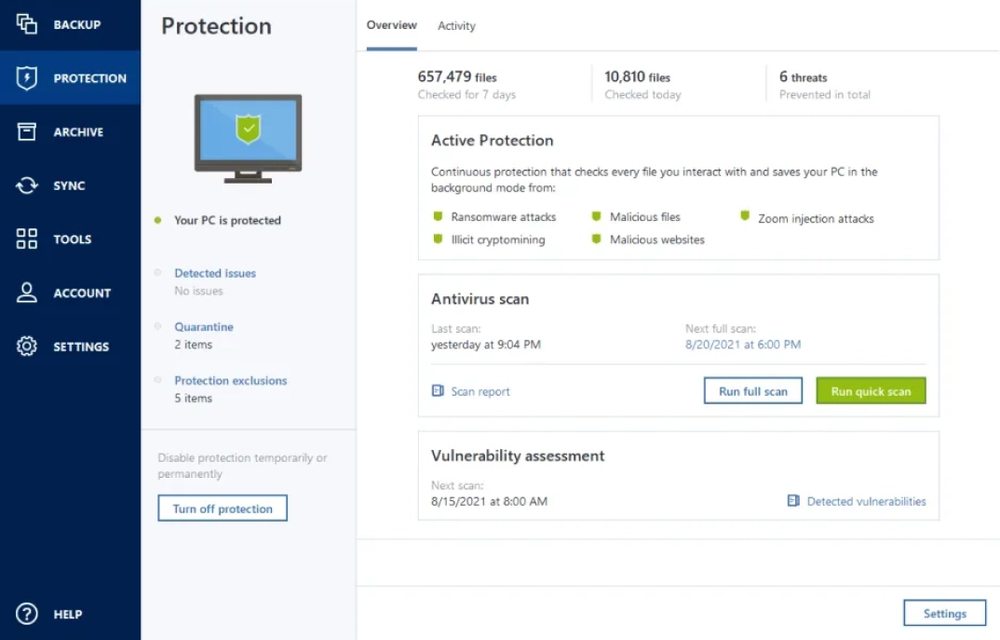
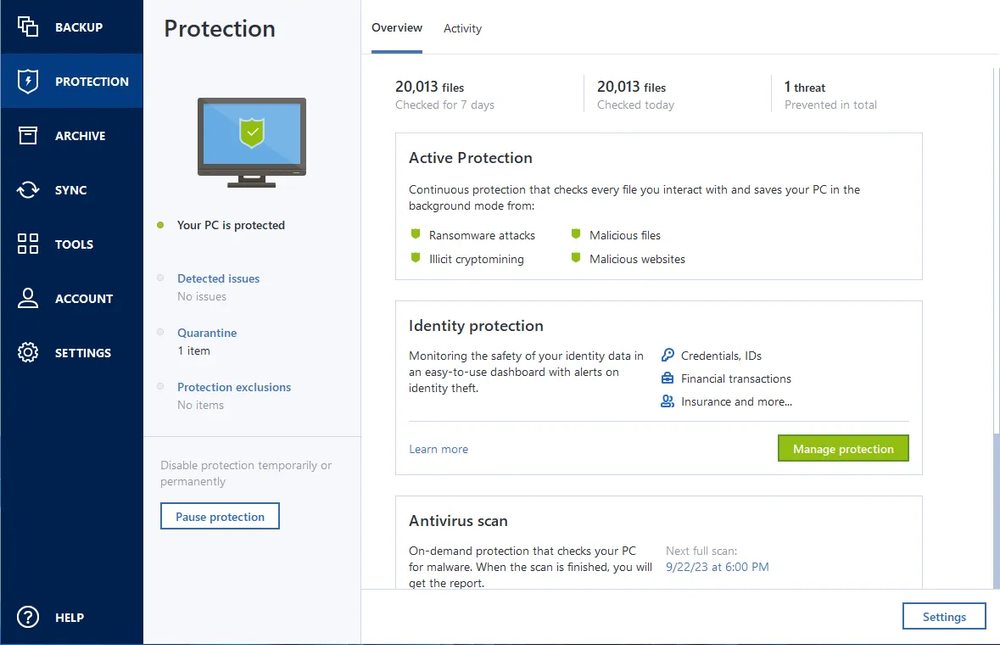
Yes, when backup cannot be improvised. Acronis True Image combines full-system image backup, recovery, ransomware protection, antivirus, and higher-tier security layers in a product that speaks to a very real buyer fear: expensive downtime after a failure.
That is a straight sale of peace of mind. Instead of patching together a backup utility, separate security tools, and unclear storage habits, the buyer gets a more integrated setup.
Who should buy it
It fits buyers who work with important files, run their own business from one machine, keep a lot of local history, or simply do not want to discover too late that their backup plan was weak.
It also makes sense for people who want more than backup, because the official positioning is built around integrated backup plus personal cyber protection.
- Home office users and solo professionals whose computer directly affects income.
- Creators, photographers, and users with large local libraries.
- Buyers who want backup, restore, and protection in one product.
Confirmed facts
As of March 19, 2026, the official Acronis True Image pages highlighted these points:
Explanatory images
Plans and purchase
The official offer checked on this date was positioned like this:
This is the practical starting point for buyers who do not need cloud backup yet.
The strongest fit for personal users who want a more complete setup.
Best for buyers who want stronger cloud storage and extra certification features.
Strengths and limits
- Backup and protection are sold in one package, reducing decision friction.
- Clear segmentation between Essentials, Advanced, and Premium.
- Strong value proposition when data loss or ransomware is a real concern.
- Official positioning is clear for Windows and macOS users.
- Can be more software than needed for very basic backup habits.
- Higher plans make more sense only if cloud and extra layers will be used.
- Casual users may not exploit enough of what they pay for.
- The perceived value depends heavily on how critical the protected data is.
If losing your computer today would be expensive, Acronis True Image makes sense. If your data is not critical and your current backup flow already works, the gain is smaller.
Quick FAQ
These are the most common questions before buying.
Is Acronis True Image only a backup tool?
No. The official positioning is an integrated backup and personal protection solution.
Does it include cloud backup?
Yes. The Advanced plan includes cloud backup, and Premium expands that cloud layer further.
Does it work on Mac and Windows?
Yes. The official pages list Windows and macOS availability.