
Is it worth it?
Yes, when documents are the bottleneck. ABBYY FineReader PDF is a rational purchase for legal, finance, operations, and admin workflows that need to extract text, revise scanned agreements, compare document versions, and reuse information that would otherwise stay trapped in image files.
The purchase is easy to justify because the value is direct: less retyping, less manual cleanup, and more speed when converting, reviewing, and circulating PDF files.
Who should buy it
It fits best when you receive scanned PDFs, proposals, contracts, reports, or third-party documentation and need to turn them back into workable files.
If OCR, review, and document comparison are recurring tasks, it stops being niche software and becomes a productivity tool.
- Teams dealing with scanned PDFs and document intake every day.
- Professionals who need to edit, comment, and review documents without rebuilding them manually.
- Businesses that depend on reliable OCR to digitize and reuse information.
Confirmed facts
As of March 19, 2026, the official ABBYY FineReader PDF pages highlighted these points:
Explanatory images
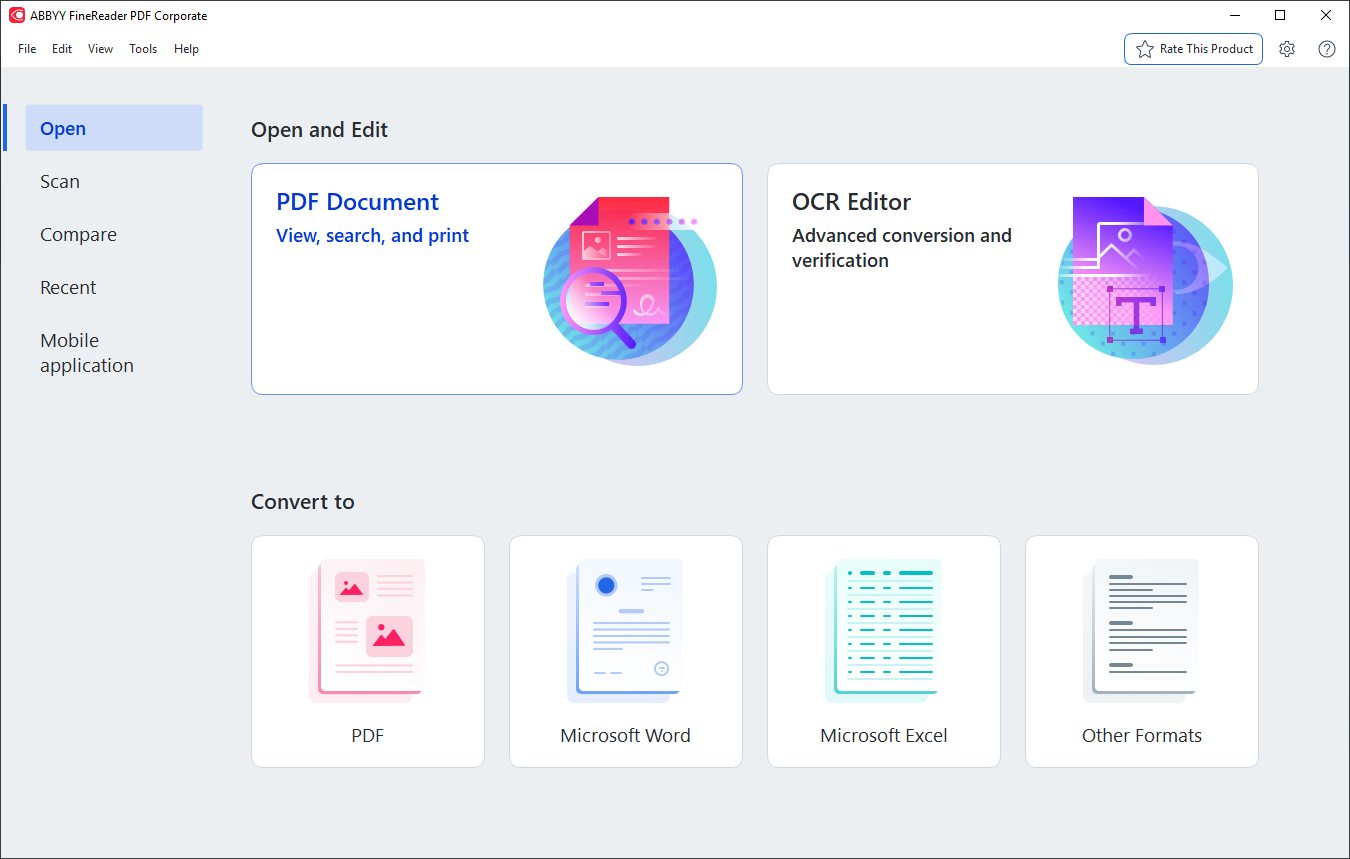
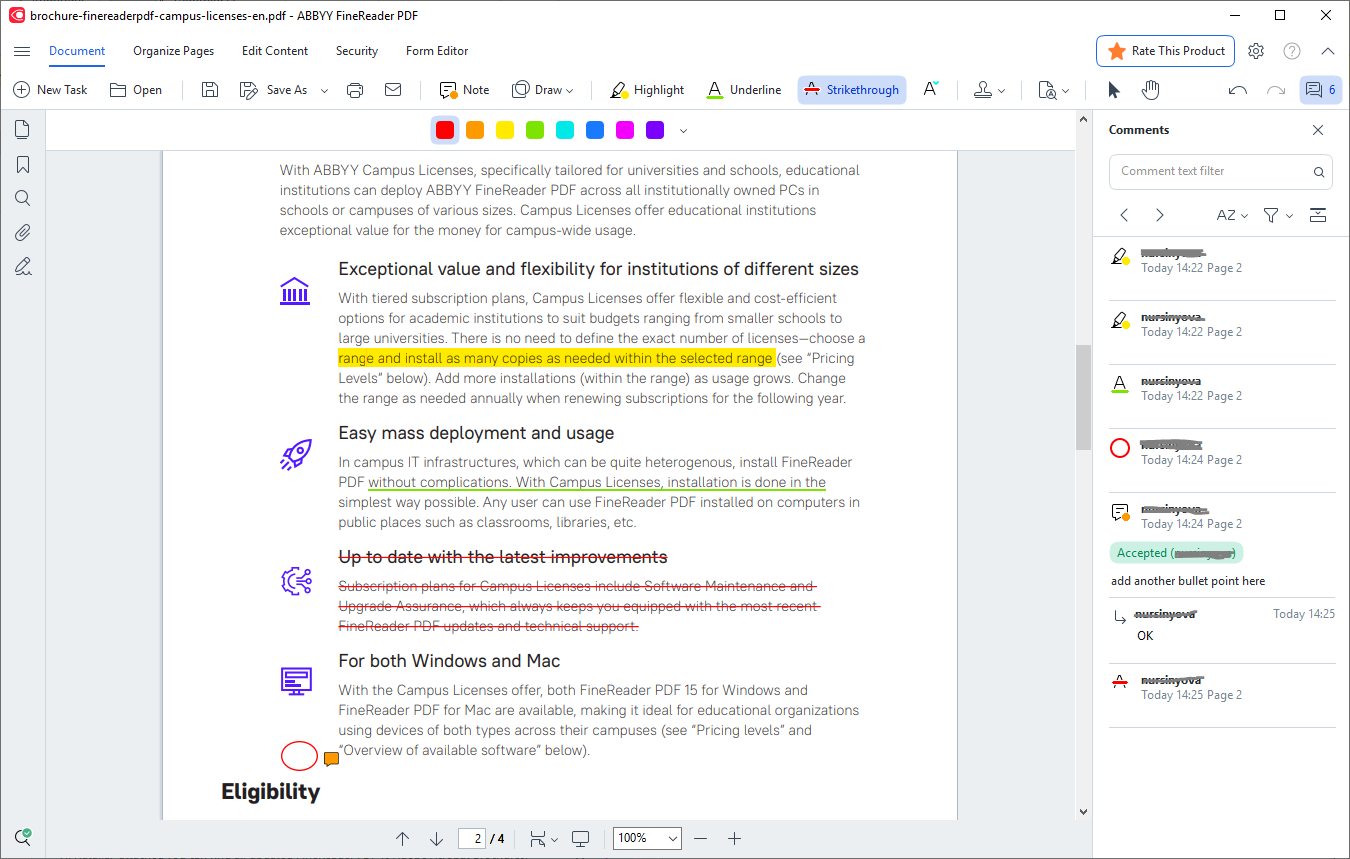
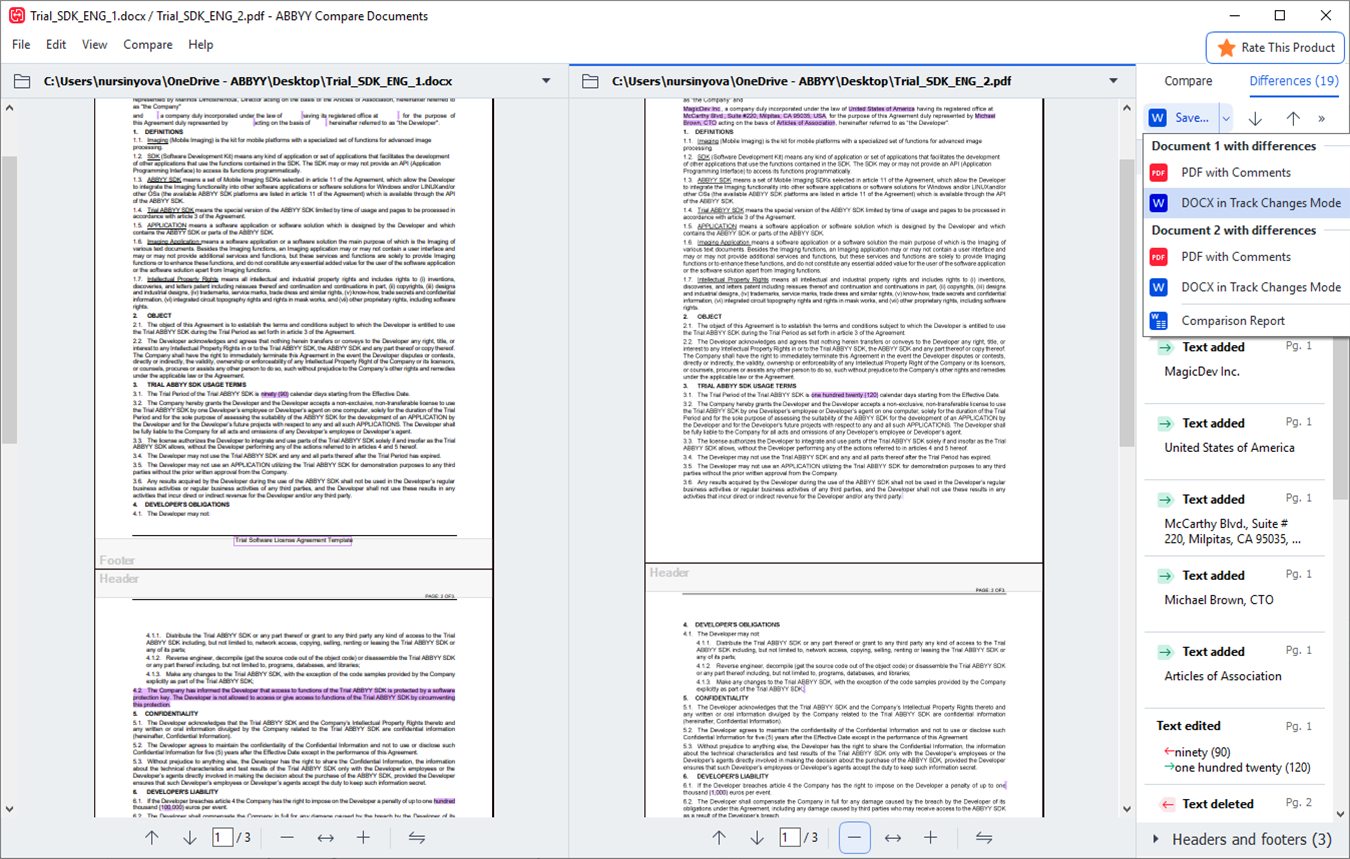
Buying position
The official messaging checked on this date positioned the product like this:
This is the strongest fit when the purchase is driven by productivity and OCR.
It serves buyers who want ABBYY document handling on macOS.
Useful for individual buyers, teams, and business procurement.
Strengths and limits
- OCR is the heart of the product, not an afterthought.
- Strong workflow for editing, commenting, and comparing PDFs.
- Very aligned with high-intent commercial searches.
- Official pricing and licensing paths are clear.
- Too much software for basic PDF reading.
- The value drops if OCR is not part of your routine.
- Not the lightest option for occasional use.
- People who only need signatures may pay for features they will not use.
If scanned PDFs, OCR, and document review cost you time, ABBYY FineReader PDF makes sense. If you mostly just open PDFs, it becomes much harder to justify.
Quick FAQ
These are the most common questions before purchase.
Is ABBYY FineReader PDF worth buying for OCR?
Yes. That is exactly the pain point the product is built and marketed to solve.
Does it compare documents?
Yes. The official product page highlights document comparison as part of the workflow.
Is there a Mac version?
Yes. The official site presents FineReader PDF for Windows and FineReader PDF for Mac.